Rethink Your Router Placement
Where you stash your router matters more than most people think. Stuffing it in a corner, closet, or behind the TV might keep it out of sight, but it kills your signal strength. Wi Fi works best with open space walls, furniture, and appliances act like blockers.
The sweet spot? Somewhere central. Place your router near the middle of your home to maximize coverage in all directions. This reduces the chance of dead zones in rooms on the edges of your floor plan.
Also, get it off the ground. Elevating your router think shelf or wall mount helps clear the signal from interference caused by obstacles like coffee tables or thick flooring. It’s a simple shift, but one that often leads to instantly better reception.
Switch to a Less Crowded Channel
Most routers ship with the same default frequency channels usually channel 6 or 11 on the 2.4 GHz band. That means your router is probably fighting for space with every other Wi Fi setup in your building. In crowded areas like apartments or townhouses, this kind of signal overlap can seriously drag down your speed.
The fix is straightforward: log into your router settings or use a diagnostic app like WiFi Analyzer to see which channels are less crowded in your area. Then switch to one that’s clearer. It’s a five minute tweak that can make your connection faster and more stable no hardware upgrade necessary.
Upgrade to a Modern Router
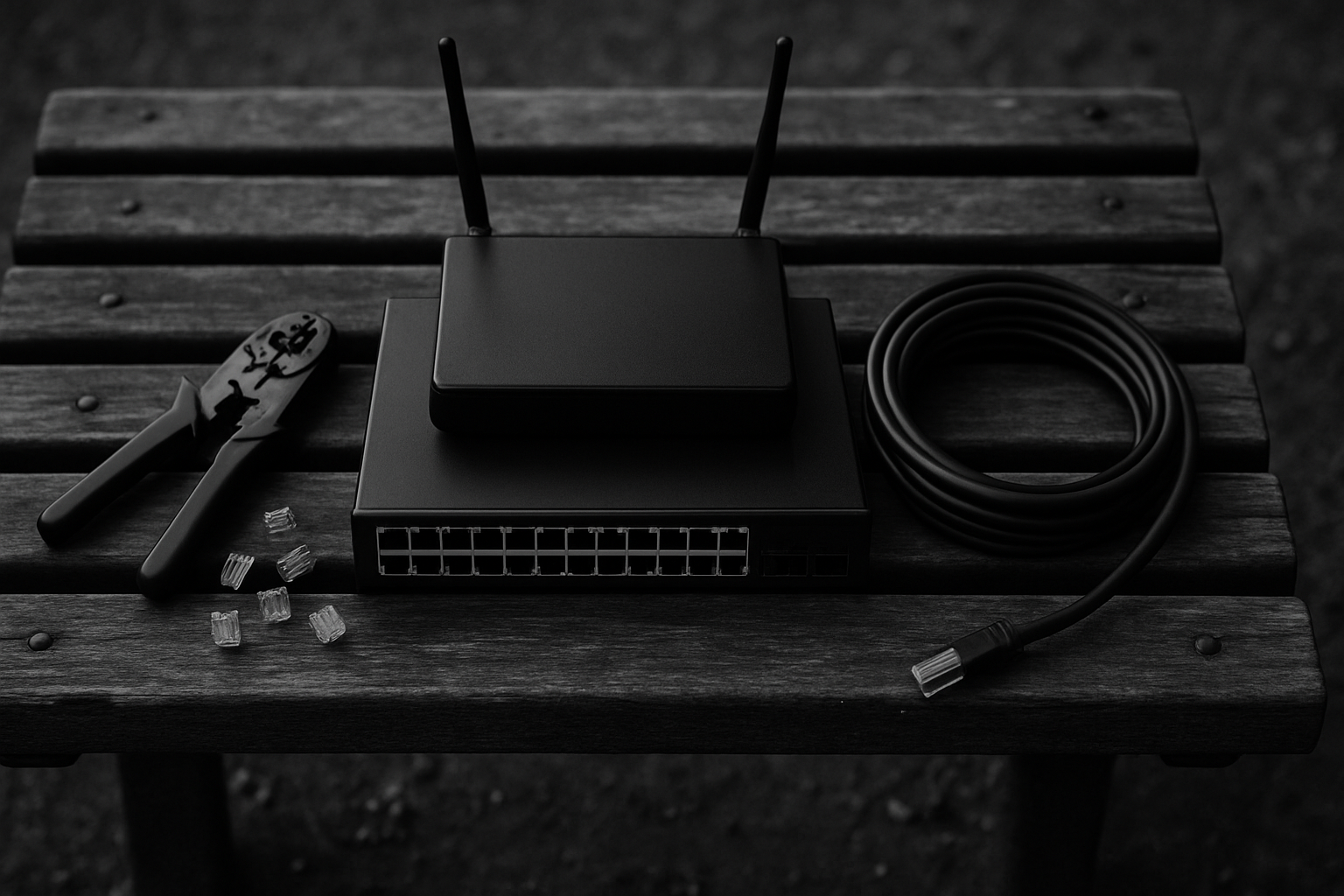
If your router is more than five years old, it’s probably holding your connection back. Older models weren’t built for the number of devices or heavy streaming loads we throw at them today. That means slower speeds, spottier range, and more frustration.
Modern routers now come with dual band or tri band support. That’s not just tech jargon it means they can juggle multiple connections more efficiently, reducing lag and keeping your signal stable. If your house has smart TVs, gaming consoles, laptops, and phones all online at once, this matters.
You’ll also want to look for Wi Fi 6 compatibility. It’s the current standard, built for speed and future demands. Even if some of your devices aren’t Wi Fi 6 ready yet, they will be soon. Investing now saves headaches later. Faster speeds, better range, longer lifespan upgrading your router is one of the simplest ways to instantly level up your home network.
Limit Interference From Other Devices
Even if you have a strong connection, certain everyday electronics can silently sabotage your Wi Fi performance. Interference from household devices is a common but preventable problem.
Watch Out for Signal Disruptors
Some electronic devices emit signals that can interfere with your Wi Fi network. These include:
Microwaves
Baby monitors
Cordless phones
Wireless speakers
Bluetooth devices
Placing your router too close to any of these can weaken your signal, especially if you’re streaming or gaming.
Create Strategic Distance
To limit interference:
Keep these types of devices several feet away from your router
Avoid placing your router in kitchens or near entertainment centers full of wireless gadgets
Go Wired Where It Counts
Not every device needs to be on Wi Fi. For consistently high performance:
Use Ethernet cables for static or data heavy devices like game consoles, desktop PCs, and smart TVs
This not only frees up Wi Fi bandwidth but also reduces potential interference
Minor changes in device placement and connection types can result in major performance boosts, especially in busy homes with lots of gadgets.
Boost with a Mesh System or Wi Fi Extender
If you’ve got dead zones or Wi Fi that gives up the second you walk upstairs, it’s time to look beyond your router. Mesh systems are built to cover large, tricky spaces by placing multiple nodes around your home. The result? A smoother signal that hands you off from point to point without drops.
Wi Fi extenders can fill gaps too, but mesh tends to offer more consistent performance. Extenders can sometimes introduce lag or create separate networks, which adds friction. Mesh keeps it unified, and smart systems adjust in real time as you move.
Not ready to invest up front? Some internet providers now rent out mesh kits as part of their package worth asking about before spending hundreds yourself.
Check out more Wi Fi performance tips

 Ask Dorisia Rahmanas how they got into expert analysis and you'll probably get a longer answer than you expected. The short version: Dorisia started doing it, got genuinely hooked, and at some point realized they had accumulated enough hard-won knowledge that it would be a waste not to share it. So they started writing.
What makes Dorisia worth reading is that they skips the obvious stuff. Nobody needs another surface-level take on Expert Analysis, Practical Technology Tips, Software Development Insights. What readers actually want is the nuance — the part that only becomes clear after you've made a few mistakes and figured out why. That's the territory Dorisia operates in. The writing is direct, occasionally blunt, and always built around what's actually true rather than what sounds good in an article. They has little patience for filler, which means they's pieces tend to be denser with real information than the average post on the same subject.
Dorisia doesn't write to impress anyone. They writes because they has things to say that they genuinely thinks people should hear. That motivation — basic as it sounds — produces something noticeably different from content written for clicks or word count. Readers pick up on it. The comments on Dorisia's work tend to reflect that.
Ask Dorisia Rahmanas how they got into expert analysis and you'll probably get a longer answer than you expected. The short version: Dorisia started doing it, got genuinely hooked, and at some point realized they had accumulated enough hard-won knowledge that it would be a waste not to share it. So they started writing.
What makes Dorisia worth reading is that they skips the obvious stuff. Nobody needs another surface-level take on Expert Analysis, Practical Technology Tips, Software Development Insights. What readers actually want is the nuance — the part that only becomes clear after you've made a few mistakes and figured out why. That's the territory Dorisia operates in. The writing is direct, occasionally blunt, and always built around what's actually true rather than what sounds good in an article. They has little patience for filler, which means they's pieces tend to be denser with real information than the average post on the same subject.
Dorisia doesn't write to impress anyone. They writes because they has things to say that they genuinely thinks people should hear. That motivation — basic as it sounds — produces something noticeably different from content written for clicks or word count. Readers pick up on it. The comments on Dorisia's work tend to reflect that.